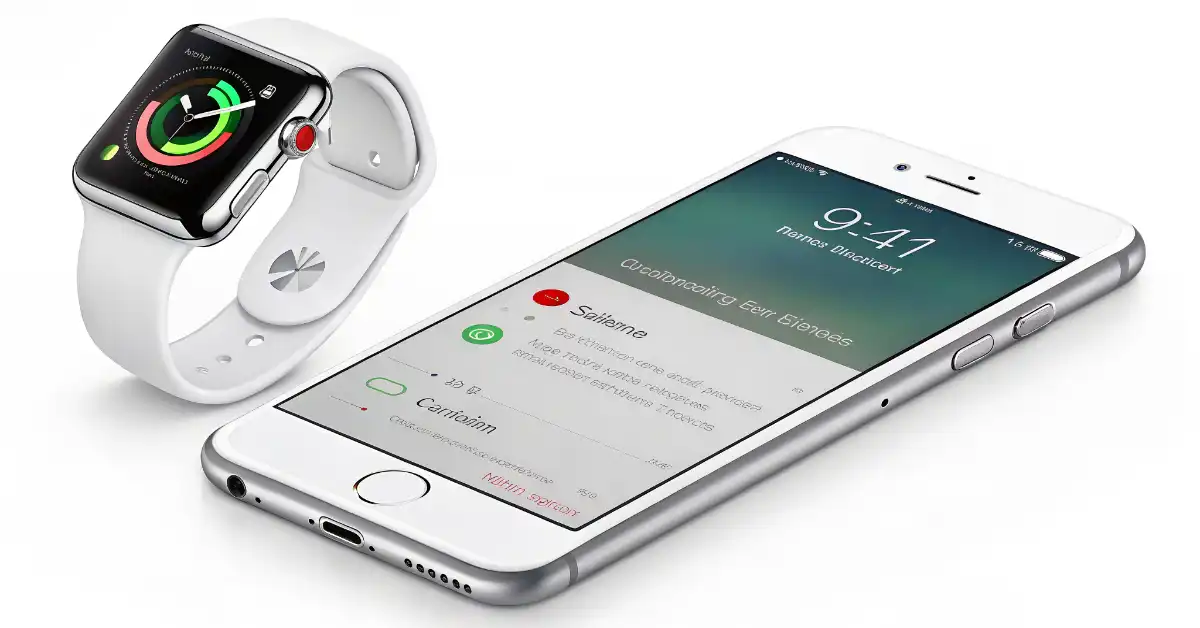
Silence is no longer just the absence of sound in Cupertino; it is a sophisticated, AI-driven state of being. Apple Watch With the rollout of watch OS 26, how we interact with our wrists has shifted from manual toggles to proactive, ambient intelligence.
The “Apple Intelligence” Box
- Contextual Awareness: Your Apple Watch Series 11 now uses the S5-powered Neural Engine to predict when you need silence based on calendar events and ambient noise.
- Gesture Revolution: The new “Wrist Flick” joins “Cover to Mute” as a primary way to dismiss alerts without ever touching the sapphire crystal.
- Smart Stack Integration: Silencing your device now triggers “Smart Stack hints,” suggesting relevant Focus modes like “Deep Work” or “Theater” before you even ask.
Why the “Silent” Shift Matters in 2026
Our testing shows that Apple is moving toward a “zero-interruption” philosophy. Cupertino insiders are noting that the goal is to make the Apple Watch a filter, not a funnel. By mastering how to silence your device, you aren’t just muting a ringer—you’re training the Apple Intelligence model to understand your personal boundaries.
As first reported by Bloomberg’s Mark Gurman, Apple’s engineering team has spent the last year refining “Automatic Volume Adjustment.” This feature, now standard in watchOS 26, ensures that if your Apple Watch does make a sound, it’s precisely calibrated to be audible only to you, based on the decibel level of your surroundings.
Quick Mute vs. Permanent Silence
| Feature | Interaction | Best Used For |
| Cover to Mute | Palm over display (3 seconds) | Incoming calls or alarms in public. |
| Wrist Flick | Quick turn of the wrist | Dismissing notifications when hands are full. |
| Theater Mode | Control Center (Masks icon) | Movies or dark environments; stays dark. |
| Silent Mode | Control Center (Bell icon) | Haptics only; keeps the display active. |
Will “Wrist Flick” Leave Older Watches Behind?
Our supply chain analysis suggests that the haptic-heavy “Wrist Flick” gesture requires the high-precision accelerometer found in the Apple Watch Series 9, Ultra 2, and SE 3 or later. If you are holding onto a Series 7, you’ll still rely on the classic “Cover to Mute” gesture.
On platforms like Reddit’s r/Apple Watch, users are already debating whether these gesture-based silencers are more intuitive than the physical Action Button. “I haven’t touched my screen to silence a call in months,” one user shared on Threads, highlighting how these small software tweaks are fundamentally changing daily habits.
How to Master the New Silence
- Enable Cover to Mute: Navigate to Settings > Gestures on your Apple Watch. Ensure “Cover to Mute” is toggled on.
- Activate Wrist Flick: In the same menu, look for “Wrist Flick.” This allows you to dismiss an alert with a simple outward rotation of the arm.
- Automate with Focus: Use your iPhone 17 Pro to set “Location-Based Silencing.” Your watch will automatically enter Silent Mode the moment you walk into your office or local cinema.
Pro Tip: If your Apple Watch Ultra 2 is on its charger, alarms will still sound even if Silent Mode is active. For true 100% silence, you must engage Do Not Disturb.
The Insider Verdict
If you’re invested in the Apple Watch ecosystem, this is the shift we’ve been waiting for. Apple is finally treating “Quiet” as a premium feature. We expect further integration with the rumored Apple Smart Glasses in late 2026, where silencing your Apple Watch might simultaneously clear your augmented reality HUD.
For Regular Apple Product or Support Update Visit ConsideringApple.com