
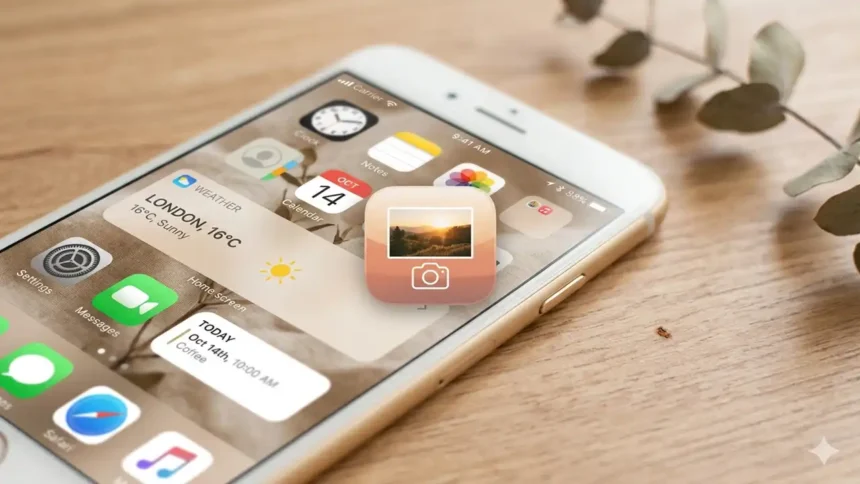
After updating the iOS 14 update, I love to keep my Photo Icon Aesthetic home screen aesthetic according to the event and festivals. To create the unique iOS 14 home screen, I spent a lot of time online to get the perfect app icons. Since most of the icon packs are not free, I had to dig deep online to get some free app icons. And here, I have listed some Photo Icon Aesthetic for iPhone home screen.
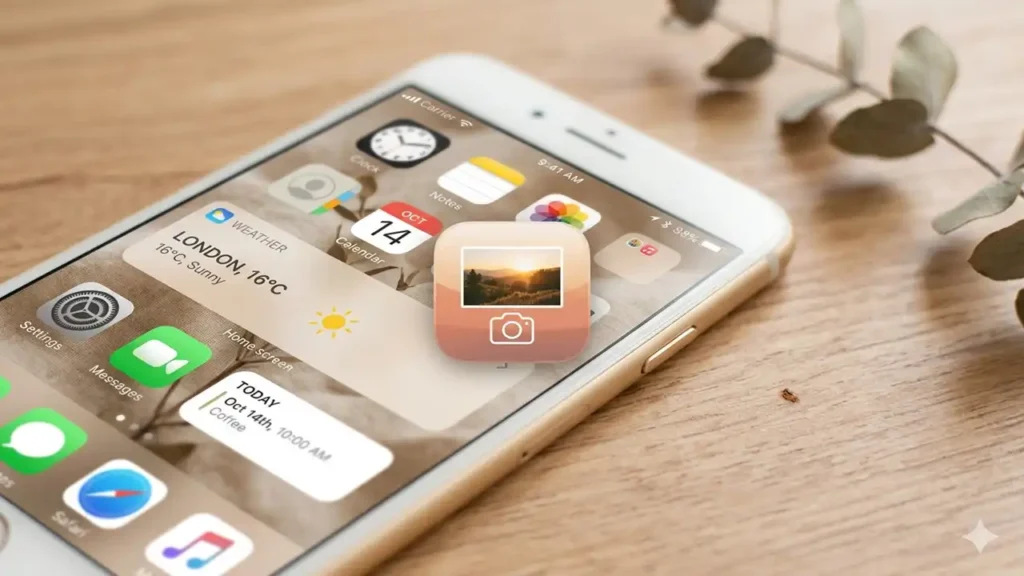
Whether you like black, neon or pastel Photo app icons for iPhone, you will find here every type of creative iOS 14 photos app icon and flaunt your beloved iPhone home screen.
Best Photos Icon Aesthetic Free For iOS 14 on iPhone
🌸 Aesthetic Icons For iPhone iOS 14 🌸
Premium Pastel & Minimalist Icon Pack
📱 Social Media Apps
🎬 Entertainment Apps
✨ Productivity Apps
🌿 Lifestyle & Health
📸 Photo & Camera
⚙️ System & Utilities
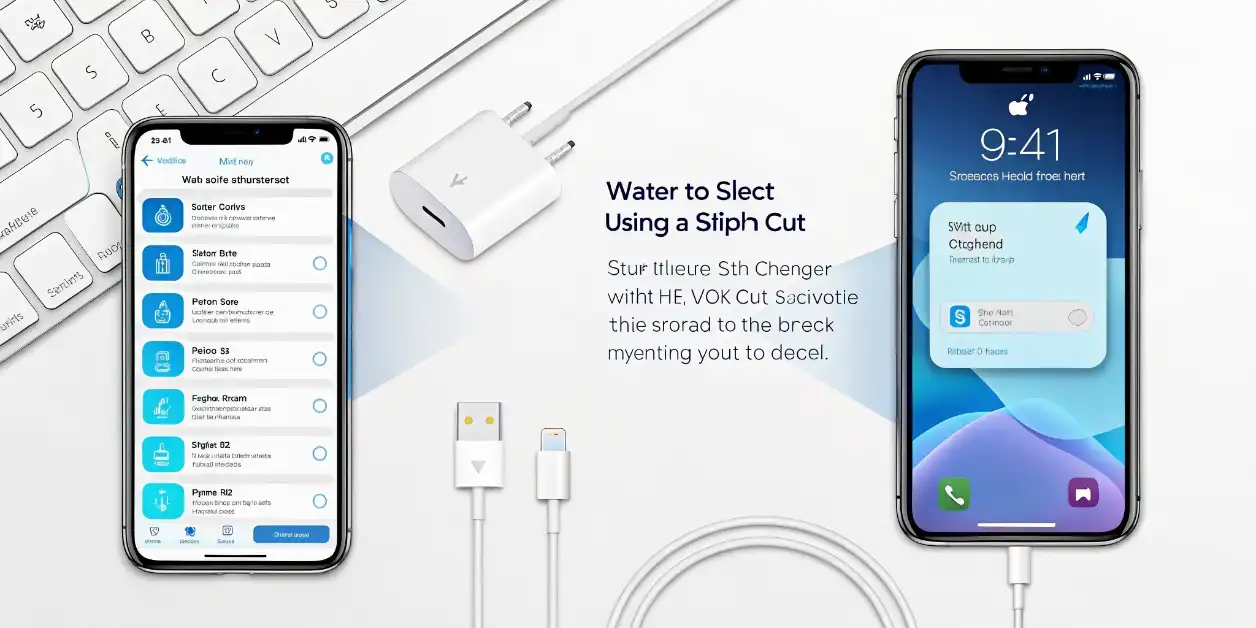
📱 How to Install Aesthetic Icons on iOS 14
- Download Icons: Click “Download” button on your favorite icons
- Save to Photos: Icons automatically save to your iPhone Photos app
- Open Shortcuts App: This app comes pre-installed on iOS 14
- Create New Shortcut: Tap + button and select “Open App”
- Choose App: Select the app you want to customize
- Add to Home Screen: Tap ••• menu → “Add to Home Screen”
- Choose Icon: Tap icon image and select your downloaded aesthetic icon
- Name It: Give it a name (or use app name)
- Add: Tap “Add” and enjoy your aesthetic home screen! ✨
💡 Pro Tip: Download all icons first, then customize your entire home screen for a cohesive aesthetic look!