

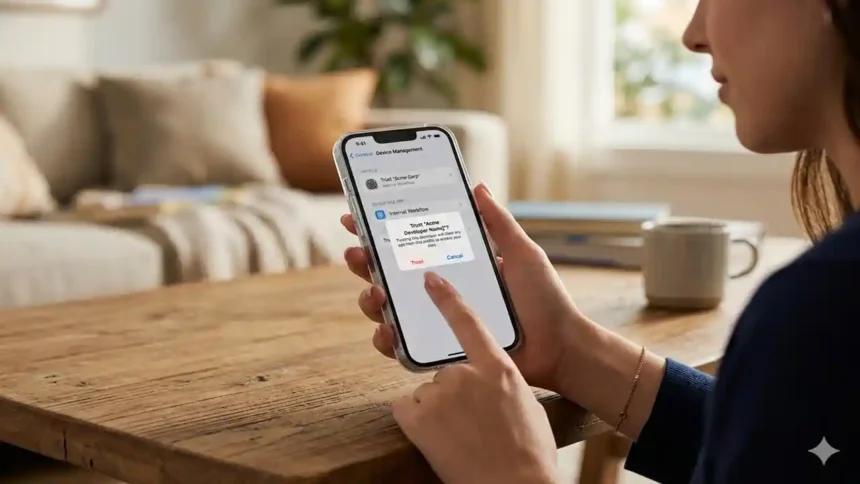
How to Trust An App on iPhone newest ecosystem, iOS 14 and iOS 15 have many new and extraordinary features to customize the iPhone home screen. The great thing is you don’t have to jailbreak your iPhone to use any third-party app. When it comes to a third-party app on iOS devices, users should add trust to an app on iPhone while installing the app.
Every app Apple App Store is thoroughly verified and safe by Apple. Hence, you don’t have to worry about the app when you download it from the App Store. Many users also prefer to add more charm to the device by using third-party shortcuts, apps, and more. Apple does not trust any third-party app on iPhones. Hence, you need to add trust to an app manually on your iPhone. However, if you are confident about the app that will not harm your device, we will show you how to trust an app on iPhone manually to install a third-party app.
What are the new iOS 14.2 emojis
How to trust an app on iphone
What does it mean to trust an app on iPhone?
When you try to install any third-party app or function on iPhone, you won’t be able to open it; instead, you see the message “Untrusted App Developer” on the screen. It means that you need to add trust for that specific app on your iOS device.
Let’s check out the steps to add trust for an app:
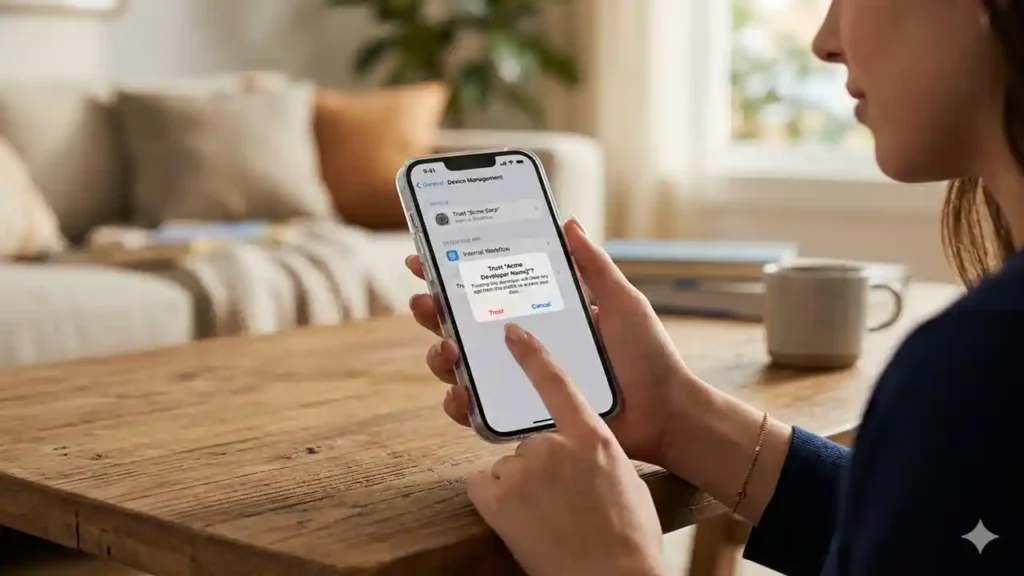
Note: Make sure that your device is connected to an internet connection.
- Open the Settings app on your iPhone.
- Go to the General tab and tap on Profile or Profile & Device Management under the VPN.
- Look for the section with Enterprise App in profile, and you will see the untrusted apps.
- Tap on that app.
- And you will see the popup to tap to Trust or Developer option.
- Once you have added trust for that developer, you can install other apps from the same developers without going through the same process.
Best Black FaceTime Logo for iOS 14 or iOS 15 on iPhone
Once you add trust for the app on an iOS device, you can use the app on your iPhone. But after some time, you will see the message again that trust will expire soon.
Similarly, How to Trust An App on iPhone can install more apps on your iOS device from third-party apps and add trust to use them on your iPhone. That was so easy and quick to add trust for third-party apps on iPhone. If you need more regarding the same, don’t hesitate to ask us via comments.