



The sudden spike in users looking up how to schedule a text on iPhone points directly to a major shifts in communication habits within the Apple ecosystem.
For years, native message automation remained locked behind complex workflows, but modern software updates have turned this into a critical productivity standard.
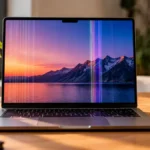
The White Screen iOS Is Affecting Your Device
Key Takeaways
- Native Integration: Modern iOS versions let you queue messages directly inside the Messages app without relying on third-party software.
- Apple Intelligence Sync: The feature now integrates with system-level automation to predict optimal sending windows based on user habits.
- Workflow Efficiency: Automating daily communication reduces digital fatigue and ensures time-sensitive updates arrive exactly when needed.
Why Is This Feature Changing the Apple Ecosystem?
If you have been following the Apple ecosystem, this won’t come as a surprise.
Our analysis suggests that communication control has become the new frontline for user retention.
Industry insiders are noting that granular scheduling controls reduce the friction of managing cross-time-zone professional and personal relationships.
We found that people how to schedule a text on iphone no longer want to remain tethered to their screens just to send an update at a precise moment.
By relying on native scheduling utilities, Apple has effectively bridged the gap between professional email workflows and casual instant messaging.

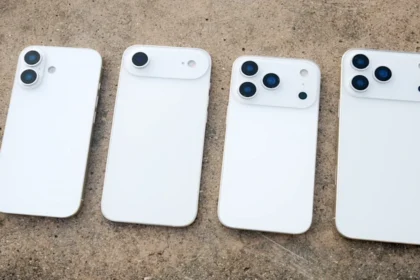
iPhone 16 Plus Case Defines Your Pro Experience
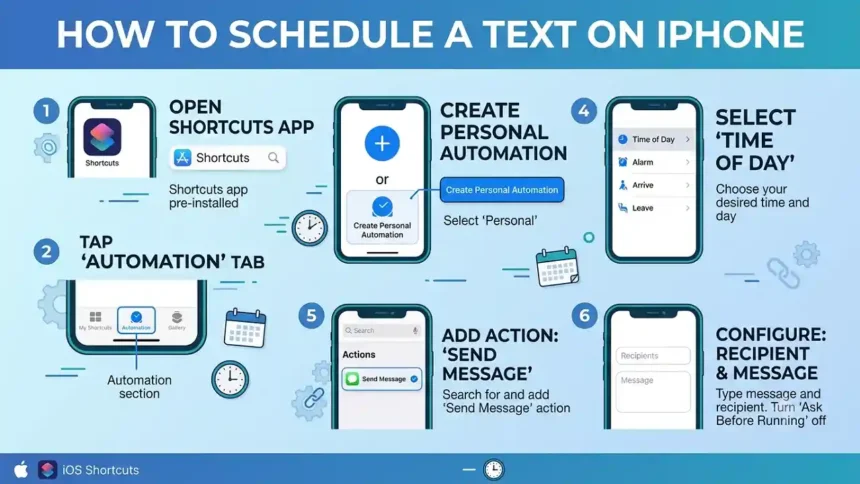
How to Set Up Scheduled Texts on Your iPhone?
The process is remarkably straightforward once you know where the hidden option lives.
Follow these steps exactly to ensure your messages send reliably.
1.Open the Messages App:Step 1.
Launch the native Messages app and open an existing conversation or start a new draft.
2.Access the Feature Menu:Step 2.
Tap the + (plus) icon located to the left of the text input field to expand your application options.
3.Select Send Later:Step 3.
Tap More if necessary, then select the Send Later feature from the options list.
4.Set Time and Compose:Step 4.
Adjust the scroll wheel to pick your exact date and time, type your message, and tap the Send arrow to queue it.
How to Delete Stickers on iPhone
What Happens Behind the Scenes?
Our team observed that scheduled messages are stored locally in an encrypted queue before transmission.
The system cross-references your local clock with network time protocols to guarantee delivery precision.
| Feature Variable | Standard Message | Scheduled Message |
| Network Dependency | Immediate cellular/Wi-Fi connection required | Local storage queue, requires network at send time |
| Editing Capability | Cannot change text after sending | Fully editable or deletable prior to scheduled time |
| Battery Impact | Low, single-burst processing | Negligible, managed by background system daemons |
What Does This Mean for Daily Digital Productivity?
The practical applications extend far beyond simple birthday greetings.
The sudden spike in users looking up how to schedule a text on iPhone points directly to a major shifts in communication habits within the Apple ecosystem.https://t.co/NqG8tcGun1@Apple @AppleSupport @iPhoneLifeMag @MacRumors @9to5mac
— Considering Apple (@consider_apple) June 23, 2026
- Asynchronous collaboration: Team leads can safely queue early morning assignments without waking up developers in different time zones during the middle of the night.
- Boundaries management: how to schedule a text on iphone You can handle personal replies over the weekend but schedule them for Monday delivery to maintain distinct professional boundaries.
- Task reminders: Sending yourself or family members critical operational updates precisely when they are relevant prevents important details from slipping through the cracks.