



With 111 million views within 28 days of release, Netflix’s Korean series Squid Game touched the new height in the OTT industry. Since the show has become a new sensational, many fans are looking to download Game on iOS devices.
However, the series involved some popular children’s games; many people love the games with bloodlust. As we saw that Squid Game is all about surviving each level by competing life, a couple of mini Squid are available for Android, PC, and iPhone. If you want to jump into the world of Squid on your iOS device, let’s go down to install Squid Game from App Store.
How To Download Squid Game IOS App On iPhone
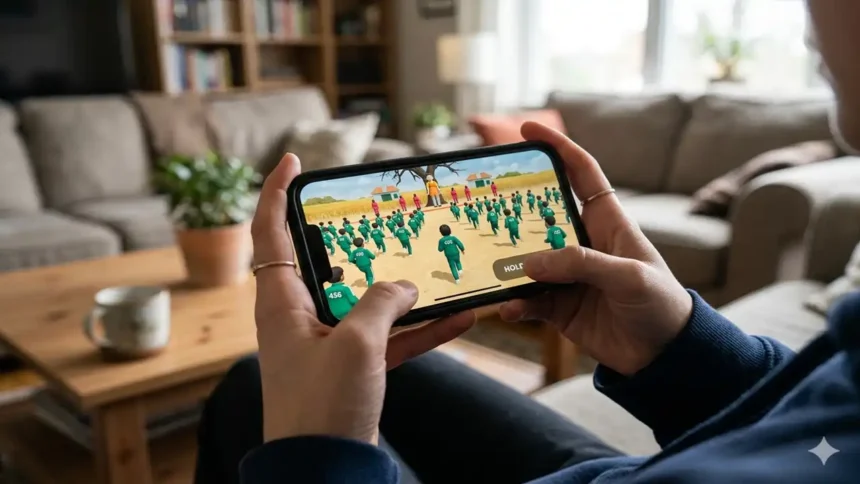
Whether you want to play Green Light, Red Light level or Dalgona candy, here we will guide you on how to get Squid Game and play your favourite level.
- Open App Store on your iPhone.
- Search for games like “All Challenges – survival game”, “K-Game Challenge”, “Dalgona Candy Challenge”, or “Don’t Move Challenge”.
- Download and install the above games.
- These games have different levels. You can open each game and play all levels one by one.
How to Turn off Find my iPhone
That’s it.
Also, you can install Roblox on your iPhone then search Squid Game to play in the Roblox on your iPhone. We have not found the best version of Squid yet for iOS. But still, the user can enjoy the game.
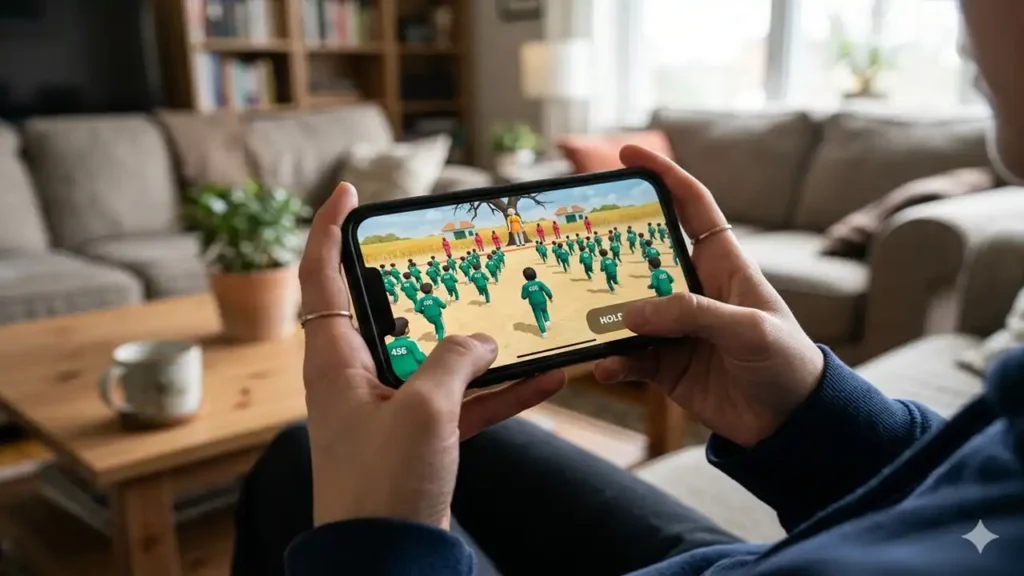
Developers are also working to provide the best Game version for iPhone and Android. Also, the Free Guy developers are working on adding the new Squid modes in the game.
Feedback
Have you tried any Game like an iOS game from the above? Which is the best according to you? Do you know any other best game like Squid for iOS? Please drop your comment below.