


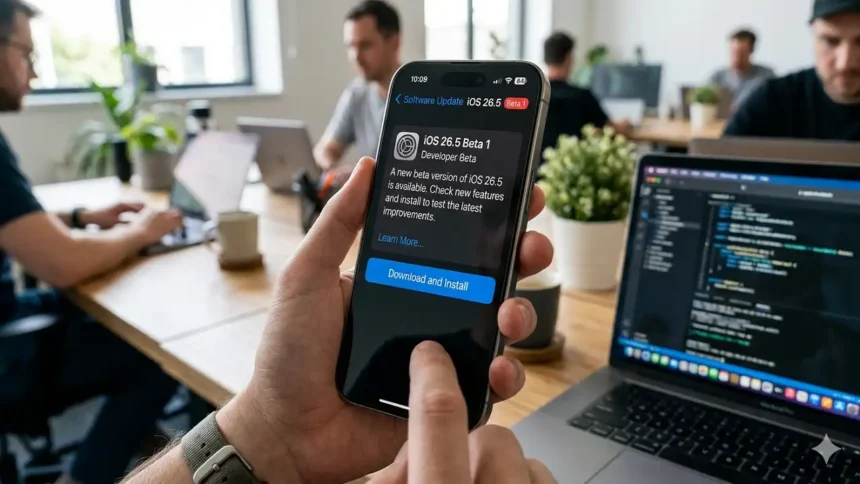
Apple just dropped a bombshell on the developer community with the release of iOS 26.5 Beta 1, signaling a major shift in how the iPhone interacts with third-party ecosystems and advertisements. 📱
While many were hunting for the elusive Siri overhaul, this update focuses on high-stakes interoperability and the groundwork for a new revenue stream within Apple Maps. 🗺️
📦 Key Takeaways
- Ad Integration: Apple Maps is officially prepping for search-based local ads coming this summer.
- Third-Party Freedom: New “Proximity Pairing” and notification forwarding for non-Apple smartwatches.
- Secure Messaging: RCS end-to-end encryption is re-enabled, securing chats between iPhone and Android.
iPhone 17 Pro Max Now Available At Lower Price
What does this mean for Apple users?
If you’ve been following the Apple ecosystem, this won’t come as a surprise: the European Union’s Digital Markets Act is continuing to mold the iPhone’s software DNA.
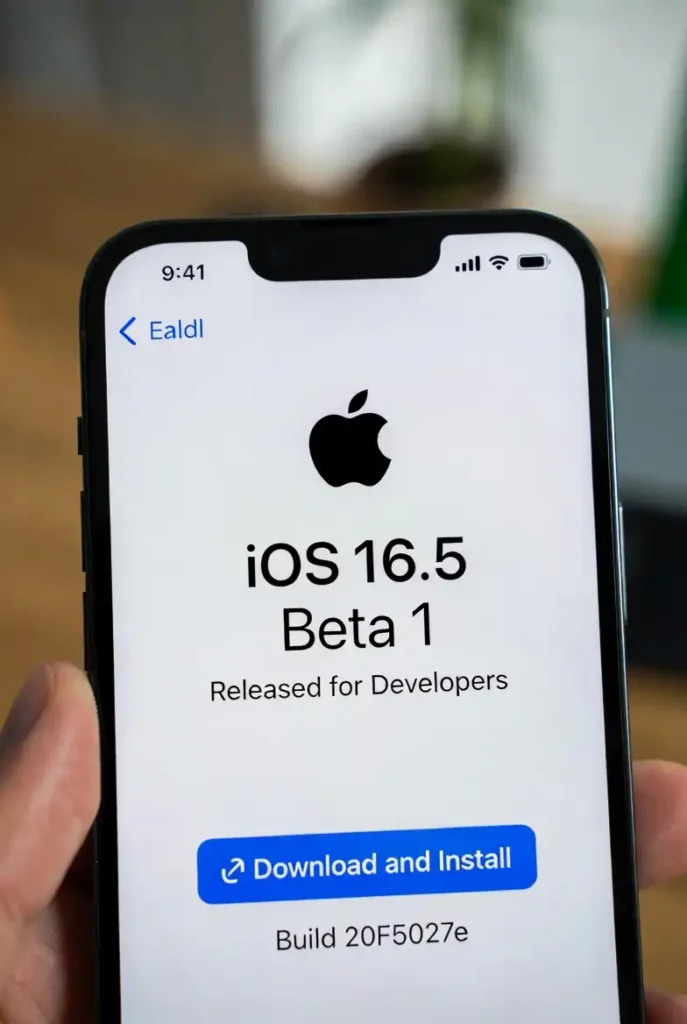
Our analysis suggests that iOS 26.5 Beta 1 is less about “flashy features” and more about “foundational shifts.” 🏗️
The most controversial addition is the “Suggested Places” tab in Apple Maps. 📍
Internal code confirms that this isn’t just for your convenience; it is the infrastructure for businesses to buy ad space in your search results.
While Apple promises clear “ad” labels, it marks a departure from the ad-free sanctuary Maps once was.
For those looking to keep their hardware running smoothly alongside these changes, checking out the latest M5 MacBook Air review shows how Apple is balancing premium hardware with these evolving services. 💻
Is Apple finally opening the “Walled Garden”?
One of the most radical changes in iOS 26.5 Beta 1 is the expansion of notification forwarding. 🔔
Apple Released #iOS 26.5 Beta 1: Check New Features & How to Download
— Considering Apple (@consider_apple) March 31, 2026
While #iOS 26.5 Beta 1 might feel incremental to the average user, it represents a pivotal moment for Apple’s business model. 📈#iOS26.5Beta1https://t.co/2BABClivlD
How To Download & Play Squid Game In iOS on iPhone
For the first time, third-party smartwatches can receive and react to iPhone notifications with the same depth as an Apple Watch.
This is a massive win for users who prefer Garmin or Samsung wearables but want to stick with iOS.
Furthermore, “Proximity Pairing” will soon allow third-party earbuds to pair with a single tap, mirroring the “magic” of AirPods. 🎧
If you are considering a switch or an upgrade in this changing landscape, you might want to read about the person who could be Apple CEO: John Ternus to understand the leadership driving these open-door policies. 👔
We also found that RCS messaging has received its long-awaited security boost, with a toggle for end-to-end encryption now appearing in the Messages settings. 🛡️
iOS 26.5 Beta 1 Feature Comparison
| Feature | Status in iOS 26.5 Beta 1 | Impact Level |
| Apple Maps Ads | Codebase Ready | High (Revenue Shift) |
| RCS Encryption | Enabled by Default | High (Privacy) |
| 3rd Party Live Activities | Supported | Medium (Interoperability) |
| Siri AI Overhaul | Delayed (Likely iOS 27) | Low (Disappointing) |
| Inuktitut Keyboard | Added | Niche (Accessibility) |
The Real Reason Siri is Missing 🤖
Industry insiders are noting that the “Gemini-powered” Siri overhaul—which we all expected in this version—has been pushed back.
It seems Apple is holding its most advanced AI tricks for the WWDC 2026 keynote this June. 📅
For now, the focus is on refining the experience of existing tech, like ensuring AirPods Pro 3 remain the top choice even as third-party pairing becomes easier.
How to Turn off Find my iPhone
How to Download iOS 26.5 Beta 1 Right Now
If you’re a registered developer, you can jump into the beta today.
Note: We highly recommend backing up your device to iCloud or a Mac before proceeding, as beta software can be unstable. ⚠️
Step-by-Step Installation Guide
- Register: Ensure your Apple ID is linked to a free or paid Apple Developer account.
- Navigate: Open the Settings app on your iPhone.
- General: Tap on General and then Software Update. ⚙️
- Beta Updates: Tap Beta Updates and select the iOS 26 Developer Beta option.
- Download: Hit Download and Install. 📥
- Restart: Your iPhone will reboot to finalize the 8GB installation.
Final Thoughts from the Newsroom
While iOS 26.5 Beta 1 might feel incremental to the average user, it represents a pivotal moment for Apple’s business model. 📈
Between the introduction of ads in Maps and the loosening grip on accessory exclusivity, the iPhone of 2026 is becoming a much more “standardized” device.
Whether this is a “boring” update or a necessary evolution depends on how much you value choice over the classic “walled garden” experience. 🌿
For more on how Apple is evolving its ecosystem, check out our latest report on how Apple looks to dethrone MyFitnessPal with AI food tracking. 🍎
For official technical documentation, visit Apple Developer Support or track the conversation on The Verge.
uBlock Origin Not Available on iOS? Try These Powerful Alternatives