




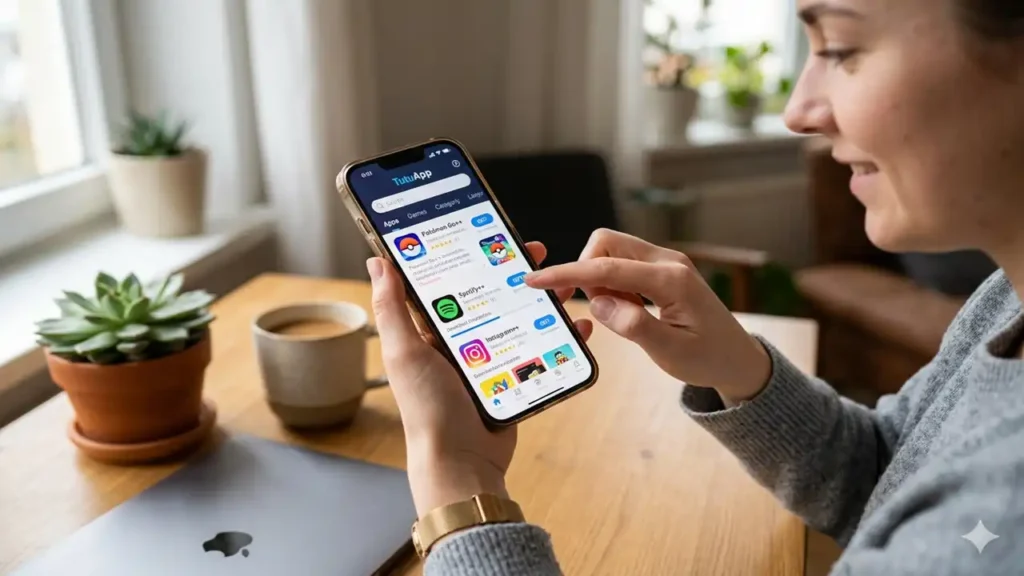
TutuApp is a popular third-party app store that provides access to thousands of apps, games, tweaks, and more for iOS devices. It does not require jailbreaking and is easy to install and use.
Since many users don’t know how to sideload third-party apps on their iPhones, they tend to use third-party app stores like Tutu to install such apps.
Here’s everything you need to know about how to get it on iOS.
What is TutuApp?
Tutu is an alternative app store for iOS that offers apps, games, tweaks, emulators, and more that are not available on the official App Store. Some key features include:
- Thousands of apps & games: Tutu provides modified (cracked) premium apps and games for free. You can find paid apps on the App Store available for free on TutuApp.
- Exclusive tweaks: It offers many useful tweaks and customizations not possible without jailbreaking. For example, theming options, status bar tweaks, notification tweaks, etc.
- Emulators: You can download emulators to play console games like Nintendo, PlayStation, etc. on your iPhone/iPad from App.
- No jailbreak required: The best part is you can use all these features of without jailbreaking your iOS device.
Is TutuApp Safe to Use?
Yes, Tutu is 100% safe to use. As you don’t need to jailbreak, there are no device risks. also does not collect any personal data. However, you should only download apps from trustworthy sources.
Tutu is regularly updated to keep it secure. You can also use a VPN for added security while browsing and downloading apps.
How to Download and Install Tutu on iOS
Follow these simple steps to install on your iPhone, iPad, or iPod Touch running iOS 8 or later:
- On your iOS device, open Safari browser and go to https://tutuapp.vip
- Tap on Regular iOS or VIP iOS to download the Tutu profile
- In the popup prompt, tap Allow
- Open Settings app => General => Profile => Tap on the
- profile => Tap Trust
- You will now find the icon on your home screen. Tap to open it
The TutuApp store is now ready to use on your iOS device.
How to Use TutuApp on iOShttps://t.co/Zo0eDyvXma#iosapps#iphonehacks#appstorealternatives#iosdownload@TutuappO @ioGodspeed @Appvalleyvipios @TweakBoxApp_ @IgnitionCrisis pic.twitter.com/3ZS5oXaxq6
— Considering Apple (@consider_apple) April 3, 2026
How to Use TutuApp to Download Apps & Games
Using TutuApp is very easy. Follow these steps:
- Open the Tutu app from the home screen of your iPhone/iPad
- Browse apps and games by categories or use the search bar to find your desired app
- Tap on the app you want to download and tap on Install
- The app will start downloading. Once completed, you will find it on your home screen ready to use.
Some apps may show “Untrusted Enterprise Developer” warning when trying to open them for the first time. Here is how you can fix this:
- Go to Settings => General => Device Management
- Tap on the Tutu or app enterprise developer profile
- Tap Trust to verify the app developer
You can now open and use the installed app without issues.
How to Get Coin Master Free Spins and Coins on iPhone
Pros and Cons of TutuApp
Pros
- Get paid and premium apps for free
- Download region locked apps
- Customize device with tweaks
- Emulate console gaming experience
Cons
- Apps may not be as stable as App Store apps
- Requires re-installing app profiles frequently
- Risk of malware if downloading untrusted apps
- Some apps may require Tutu VIP subscription
So, TutuApp provides an easy way to unlock many useful features on iOS without jailbreaking. With some precautions, it is safe to use.