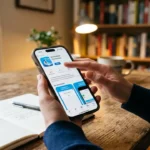




Protecting our online identities and sensitive information has become more crucial than ever. Password managers like 1Password Launches Recovery Codes on iPhone have emerged as indispensable tools for maintaining robust security practices.
This article delves into two key features of 1Password: recovery codes and the innovative QR code sign-in process.
We’ll explore how these features enhance security, streamline access, and provide peace of mind for users navigating the complex landscape of digital authentication.
Introduction
As our digital footprint expands, so does the need for sophisticated security measures. 1Password Launches Recovery Codes on iPhone has long been at the forefront of password management, offering users a secure vault for their credentials and sensitive information.
However, even the most careful users can find themselves locked out of their accounts due to forgotten passwords or lost secret keys.
This is where recovery codes come into play, offering a lifeline when traditional access methods fail.
Simultaneously, the way we interact with physical spaces is evolving, with QR code sign-in processes revolutionizing event attendance and workplace entry.
This article will guide you through the intricacies of 1Password’s recovery codes and explore the benefits of QR code sign-in systems, providing you with the knowledge to navigate these modern security solutions confidently.
How To Cancel Apple Music Subscription on iPhone, Mac, Or PC
What is 1Password Recovery Codes?
What Are Recovery Codes?
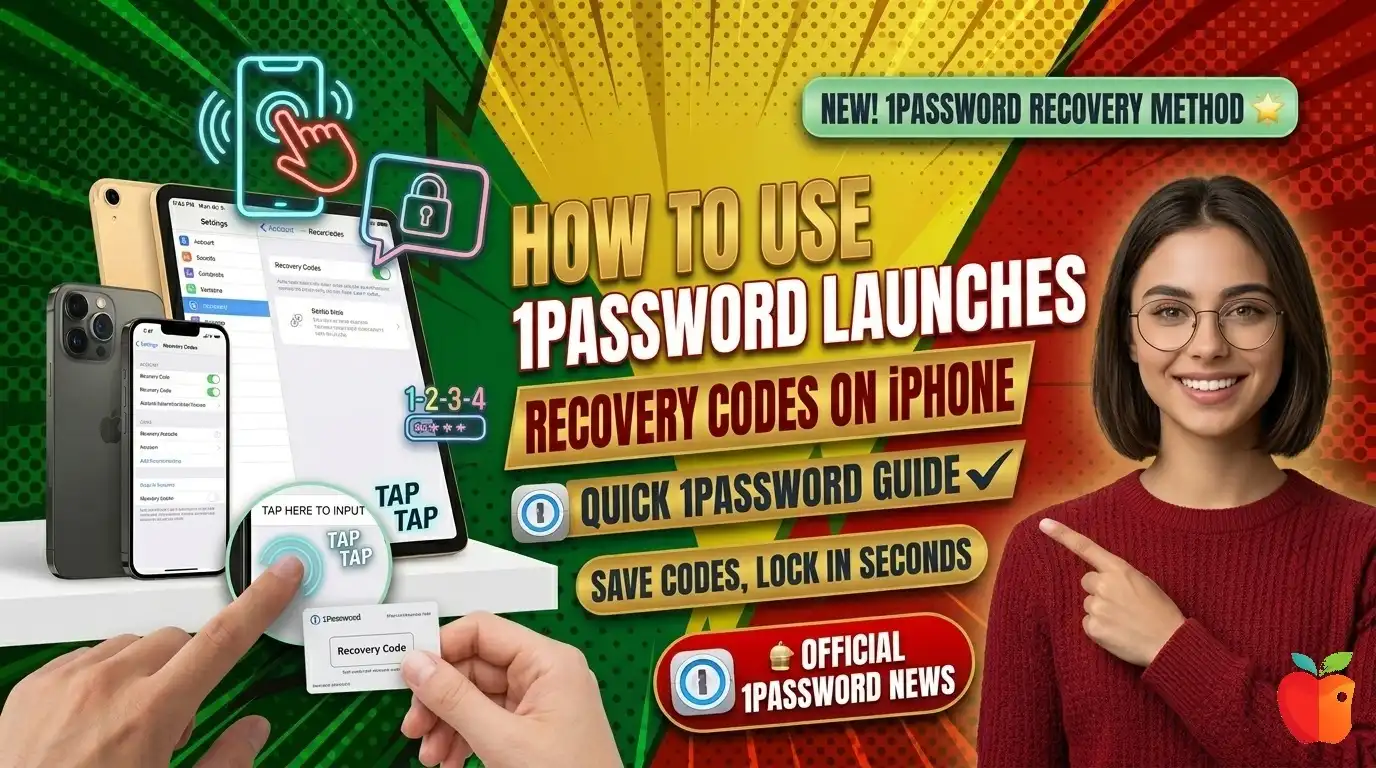
Recovery codes are a crucial backup method for regaining access to your 1Password Launches Recovery Codes on iPhone account if you forget your master password or lose your Secret Key.
These codes serve as a last line of defense, ensuring that you never lose access to your valuable digital information.
How to Generate Recovery Codes on iPhone
- To set up recovery codes on your iPhone, follow these steps:
- Open the 1Password app and unlock it.
- Tap on your account at the top of the sidebar and select “Manage Accounts.“
- Choose your account, then tap “Sign-in & Recovery.”
- Select “Set up recovery code” and follow the on-screen instructions.
- Store the generated recovery code in a safe and accessible place outside of your 1Password account.
Important Considerations for Recovery Codes
When dealing with recovery codes, keep these crucial points in mind:
Generate the code while you still have access to your account. Once locked out, you cannot create a new recovery code.
Store the code securely, as it will be needed to recover your account if you get locked out.
To use the recovery code, visit the 1 Password sign-in page, select “Having trouble signing in?“, choose “Use Recovery Code, enter your code, and follow the prompts.
You’ll need access to the email address associated with your 1Password account to complete the recovery process.
How To Screenshot iPhone 12 With Back Tap
Cross-Device Compatibility
One of the strengths of 1Password’s recovery code system is its compatibility across devices. Whether you’re using an iPhone or an iPad, the process for generating and using recovery codes remains consistent.
This uniformity ensures that you can manage your account security effectively, regardless of the iOS device you’re using.
Best Practices for Storing Recovery Codes
The security of your recovery codes is paramount.
Here are some recommended methods for storing them safely:
1. Physical Storage Options
Print out your recovery codes and store them in a locked drawer or safe.
Consider making multiple copies to store in different secure locations.
For ultimate durability, engrave your recovery codes onto a metal plate to protect against physical damage.
2. Digital Storage Solutions
Save your recovery codes in a cloud storage service, using a non-descriptive filename
Store the codes in a separate password manager with strong security measures.
Create an encrypted file containing your recovery codes using dedicated encryption software.
3. Alternative Storage Methods
Use a USB flash drive to store your recovery codes, providing portability and offline access.
Consider using a bank’s safe deposit box for maximum security.
How To Stop iOS App Store Ads On iPhone?
General Tips for Recovery Code Storage
Never store recovery codes alongside other login information.
Regularly update your storage method if you generate new recovery codes.
Consider using a combination of storage methods for enhanced security and accessibility.
The Consequences of Losing Recovery Codes
Understand the implications of losing your recovery codes is crucial for maintaining access to your 1Password account.
Here are the key points to remember:
| Aspect | Traditional Sign-In | QR Code Sign-In |
|---|---|---|
| Speed | Slow, manual entry required | Fast, automatic data population |
| Error Rate | Higher due to manual input | Lower, reduced human error |
| Physical Contact | Often requires shared pens/surfaces | Contactless, more hygienic |
| Data Accuracy | Prone to illegible handwriting | Consistent, digitally verified data |
| Security | Potentially less secure | Unique codes enhance security |
| Attendee Experience | Can be frustrating, time-consuming | Streamlined, modern feel |
| Post-Event Management | Manual data entry often required | Automatic digital record creation |
| Environmental Impact | Paper-based, less eco-friendly | Digital, reduces paper waste |
1Password cannot retrieve a lost recovery code for you.
Deleting or losing your recovery code eliminates your ability to recover your account if you also lose your password or Secret Key.
If you still have access to your account, you can generate a new recovery code to replace a lost one.
Email verification is required to use the recovery code, so ensure you maintain access to your associated email account.
The Evolution of Sign-In Processes: QR Codes
As we navigate the complexities of digital security, innovative solutions are emerging to streamline access to physical spaces.
QR code sign-in processes represent a significant leap forward in event management and workplace entry systems.
How QR Code Sign-In Works
The QR code sign-in process typically follows these steps:
- Registration: Attendees receive a unique QR code via email upon completing registration.
- Arrival: At the venue, attendees scan their QR code using a kiosk or mobile device.
- Scanning: The system reads the QR code, automatically filling in attendee information.
- Verification: Attendees confirm their details and sign any necessary documents.
- Completion: The sign-in process concludes, often notifying the host of the attendee’s arrival.
Benefits of QR Code Sign-In Systems
QR code sign-in processes offer numerous advantages:
- Efficiency: Significantly reduces waiting times at check-in points.
- Contactless Experience: Minimizes physical contact, important in health-conscious environments.
- Data Management: Facilitates automatic attendance tracking and guest list management.
- Enhanced Security: Unique, often single-use QR codes ensure only registered attendees gain access.
Comparing Traditional and QR Code Sign-In Methods
To better understand the advantages of 1 Password Launches Recovery Codes on iPhone sign-in systems, let’s compare them to traditional sign-in methods:
This comparison clearly illustrates the numerous benefits of QR code sign-in systems, from improved efficiency and hygiene to enhanced data management and security.
Finally
Tools like 1Password Launches Recovery Codes on iPhone and QR code sign-in systems emerge as crucial components of a modern, secure lifestyle.
Recovery codes provide an essential safety net for your digital identity, ensuring that you’re never permanently locked out of your valuable information.
The importance of generating, securely storing, and understanding these codes cannot be overstated.
QR code sign-in processes represent the future of physical access management, offering a blend of convenience, efficiency, and security that traditional methods simply can’t match.
As these technologies continue to evolve, staying informed and adapting to new security measures will be key to protecting our digital and physical presence.
By embracing these innovations and following best practices, we can enjoy the benefits of streamlined access and robust security in both our online and offline interactions.
Whether you’re safeguarding your digital vault with 1Password or breezing through event check-ins with a QR code, these tools empower us to navigate our increasingly connected world with confidence and ease.