

Sideload Apps refers to installing apps on an iPhone from outside the official iOS App Store. With the upcoming iOS 17 update, Apple is expected to allow limited sideloading support in Europe to comply with new EU regulations.
While Apple has resisted opening up iOS to alternative app stores in the past, citing security concerns, pressure from EU lawmakers means iPhone users in Europe may soon have more choice on where they get their apps from.
However, there are several apps like Sideloadly and AltStore that allow users to sideload third-party apps on their iPhones without any issues.Here’s a guide onhow to sideload apps on iOS 17.
When is Sideloading Coming to iOS?
What You Will Need Sideload Apps
To follow this guide and sideload apps using Sideloadly, you’ll need:
- A Windows or Mac computer
- An Apple ID
- An iOS device running iOS 7 or later
- The IPA file of the app you want to install
- USB cable to connect your iPhone/iPad to the computer
Important: Your iOS device must have developer mode enabled to sideload IPA files. Here’s how to enable it:
- Open the Settings app on your iPhone/iPad
- Go to Privacy & Security
- Enable Developer Mode and restart your device when prompted
If Developer Mode doesn’t show up on your iPhone, go to https://developer.apple.com/enroll/app and enroll your device and Apple ID as a developer.
How to Enable and Use the Screen Distance Feature in iOS 17
Step-by-Step Guide to Sideload Apps on iOS 17
Step 1: Download and install Sideloadly
First, download Sideloadly from the official website. Install it on your Windows or Mac computer.
Sideloadly supports both Intel and Apple Sideload Apps silicon Macs.
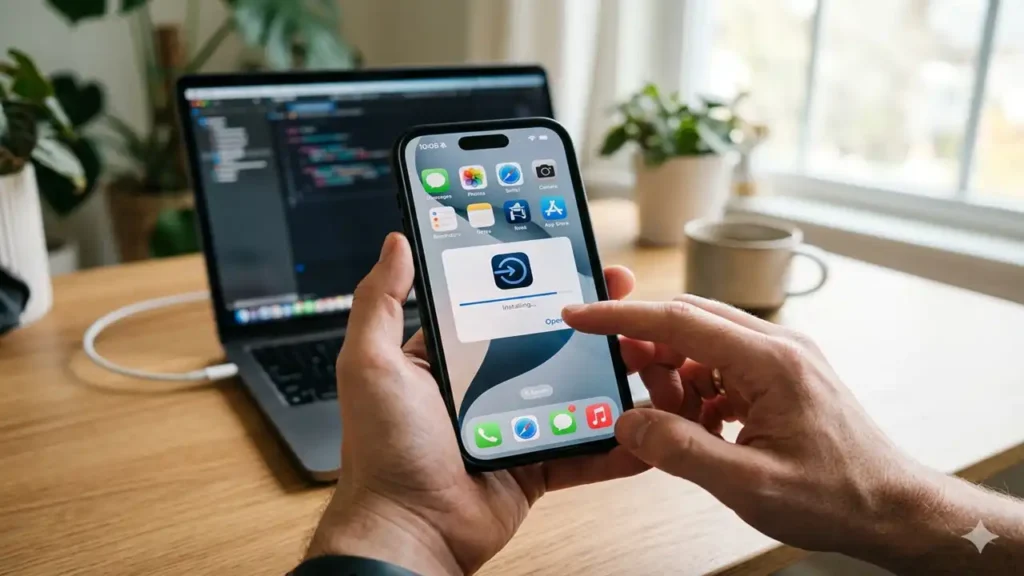
Step 2: Connect your iPhone/iPad
Connect your iOS device to your computer using the USB cable. Make sure your computer recognizes the device.
Step 3: Add IPA file to Sideloadly
Now add the IPA file you want to install to Sideloadly. You can simply drag and drop the IPA file into the Sideloadly window.
Step 4: Enter Apple ID
In Sideloadly, enter your Apple ID and password when prompted. This is required for signing the IPA file.
Step 5: Start Sideload Apps
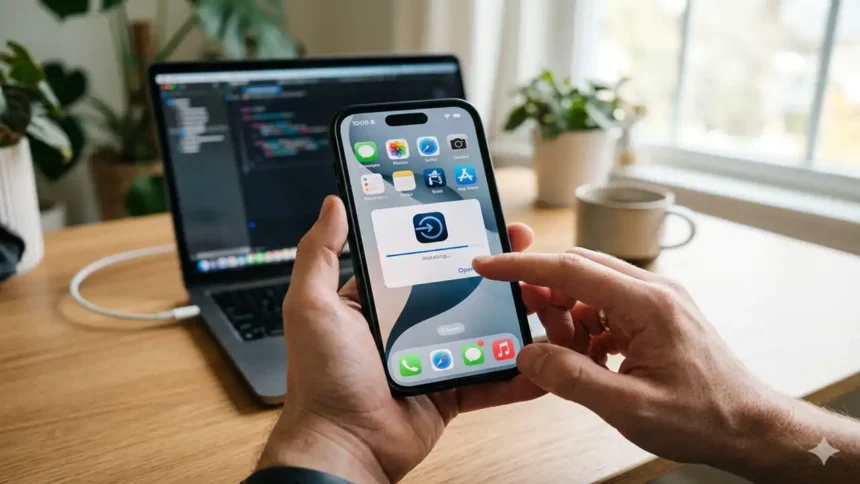
Finally, click on Start in Sideloadly to begin sideloading the IPA file to your connected iOS device.
The app will be installed on your home screen after the process is completed.
Step 6: Trust the Developer
Go to Settings => General => VPN& Device Management => and trust your Apple ID as a developer.
Now you can launch the app and use it at your convenience.
stores or other unverified sources once the functionality arrives. Treat sideloaded apps with caution.
How to Sideload Apps in iOS 17https://t.co/uh51NXlVsk#ios17#sideloadapps#iphonetips#appleguide#techhacks@AppleTV @iosfasiona @IOS2o3o @AppleTechiGeek @TechCrunch pic.twitter.com/r843A884c6
— Considering Apple (@consider_apple) April 3, 2026
Wrapping Up
With just a few simple Sideload Apps, you can use the Sideloadly tool to install unsigned IPA files on your iPhone or iPad running iOS 7 or later. Until Apple comes up with official sideloading functionality in the EU, you can use this method to install any IPA file on your iOS device.