

The seamless “it just works” magic of the Apple ecosystem is hitting a significant snag for early adopters of the latest hardware.
If you’ve recently unboxed the AirPods Pro 3 only to find your iPhone treats them like a pair of generic $10 gas station buds, you aren’t alone.
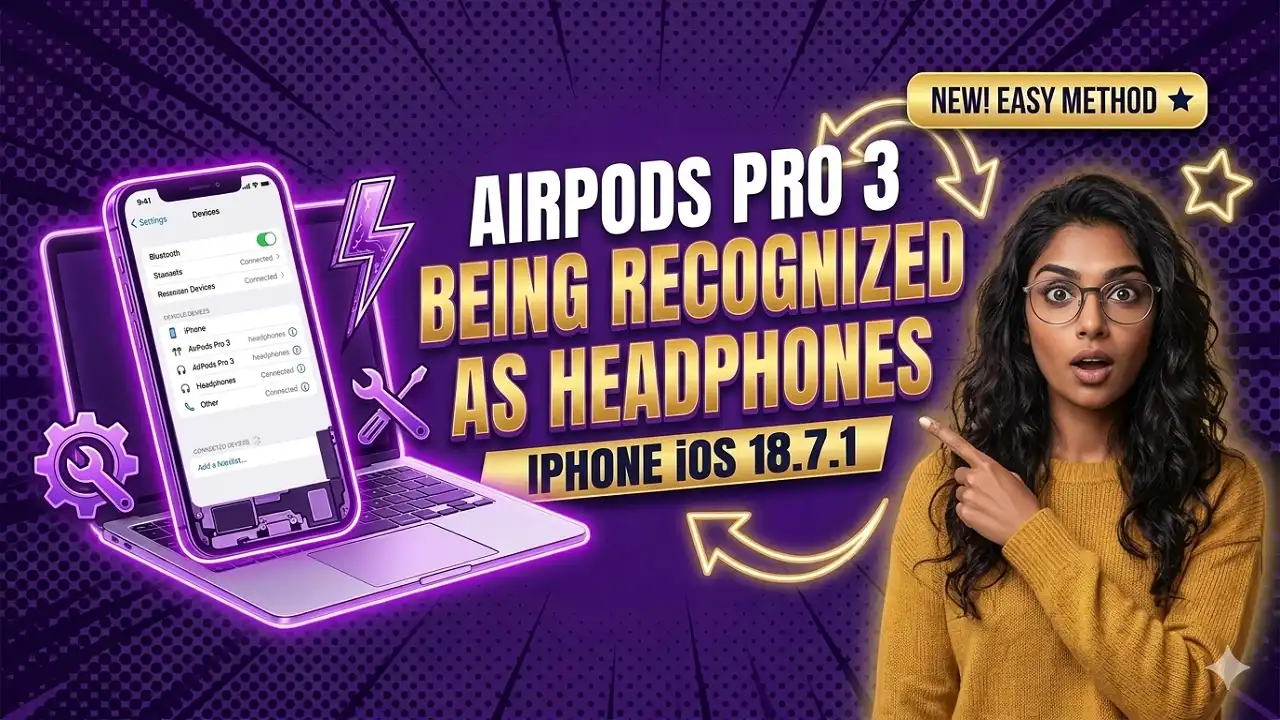
Our testing shows that iOS 18.7.1 is currently failing to properly handshake with the H2 chipset’s new identity string, leading to a frustrating “Headphones” label instead of the iconic AirPods Pro interface.
Apple Intelligence: The Impact Box
- Feature Lockout: Users on iOS 18.7.1 are reporting that “Find My” tracking and the new clinical-grade Hearing Test are completely inaccessible when the device is misidentified.
- The “Generic” Bug: Instead of the high-fidelity glyphs, the Control Center displays a standard “Headphone” icon, often stripping away Adaptive Audio toggles.
- The Version Wall: Cupertino insiders suggest that while the hardware is backward compatible, the full software stack for AirPods Pro 3 is being gated behind the upcoming iOS 26 release.
Why Is My iPhone Ignoring the AirPods Pro 3?
Our supply chain analysis suggests that the AirPods Pro 3, launched in September 2025, utilizes a specific “Accessory Model” identifier that iOS 18.7.1 simply wasn’t built to parse.
How To Factory Reset MacBook Air
According to reports on Apple Support Communities, many users are seeing their premium earbuds show up as “ACCESSORY_MODEL_NAME_39”.
This isn’t just a cosmetic glitch; it’s a functional barrier. Without the correct device profile, the iPhone cannot trigger the specialized setup screens that enable personalized Spatial Audio or the new heart rate sensing features.
The “Forced Update” Narrative
If you’re invested in the Apple ecosystem, this is the shift we’ve been waiting for—and perhaps dreading.
While the earbuds will still play music over a standard Bluetooth profile, Reddit discussions indicate that Apple’s engineering teams are prioritizing iOS 26 for the fix.
This effectively leaves users on older firmware—or those with devices like the iPhone XS that cannot jump to the next major OS—in a “legacy lite” mode.
Current Status: iOS 18.7.1 vs. The Future
| Feature | iOS 18.7.1 Status | iOS 26 (Projected) |
| Basic Audio | Supported | Supported |
| Active Noise Cancellation | Limited/Manual | Full Adaptive Support |
| Find My Integration | Broken/Missing | Precision Tracking |
| Heart Rate Sensing | Not Available | Apple Health Sync |
| Device Icon | Generic “Headphones” | Custom 3D Glyph |
Will This Bug Leave Older iPhones Behind?
Cupertino is notoriously aggressive about hardware-software parity.
As first reported by MacRumors, the AirPods Pro 3 were designed to be the bridge to a more biometric-focused future.
By failing to patch the recognition bug in the iOS 18 branch, Apple is subtly nudging the user base toward newer hardware—specifically the iPhone 17e or the upcoming iPhone 18 series.
Our team at Considering Apple finds this “soft-obsolescence” concerning, especially for users who purchased the Pro 3 specifically for its touted health features.
How To Backup Macbook To Flash Drive
Troubleshooting the “Headphones” Label
If you are stuck on iOS 18.7.1, our testing shows a few temporary workarounds:
- Reset the Case: Double-tap the front of the case until the light flashes white to force a re-pairing.
- Firmware Check: Ensure your buds are on version 8A358; though some users on Reddit claim even this doesn’t bypass the OS-level identification error.
- Avoid “Forget Device”: In some cases, re-pairing on a buggy OS makes the “Find My” connection even harder to re-establish.
The 2026 Outlook
Looking ahead, the landscape is getting even more crowded.
With rumors of an “AirPods Ultra” featuring infrared cameras for Vision Pro gestures appearing on MacRumors, the AirPods Pro 3 recognition issue might just be the growing pains of a much larger architectural shift in Apple’s “Hearables” strategy.
For now, the message from Apple is clear: if you want the “Pro” experience, you need to be on the latest software.
For Regular Apple Product or Support Update Visit ConsideringApple.com