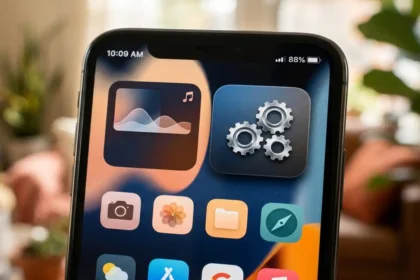



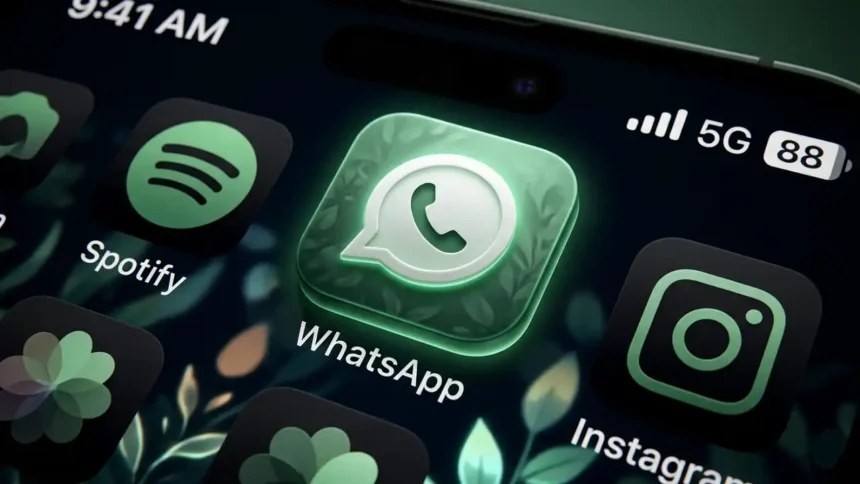
Elevate Your iOS 18 Home Screen With the release of iOS 18, Apple has given users unprecedented control over their Home Screen aesthetics. One of the most popular ways to personalize your device is by using Aesthetic WhatsApp Icons.
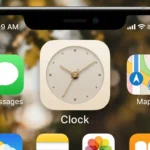
Clock Icon Aesthetic Logo For iPhone on iOS 14
Whether you prefer a minimalist look, a splash of pastel colors, or a high-end luxury feel, changing your app icons is the ultimate way to reflect your personality.
Why Customize Your WhatsApp Icon?
WhatsApp is likely your most-used app. Replacing the standard green icon with a custom design allows you to:
- Match Your Theme: Align WhatsApp with your wallpaper and other widgets.
- Reduce Visual Clutter: Use monochrome or line-art icons for a cleaner look.
- Express Your Style: Choose from Neon, Gold, Pastel, or Dark Mode variations.
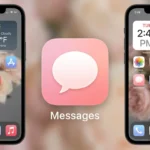
Aesthetic Pink Messages Icon For iPhone in iOS 14
New Customization Features in iOS 18
iOS 18 makes aesthetic changes easier than ever. Beyond the traditional Shortcuts app method, users can now take advantage of:
- Native Tinting: Long-press your Home Screen, tap “Edit,” then “Customize” to apply a color tint across all icons.
- Dark & Light Modes: Icons now automatically shift their appearance based on your system-wide dark mode settings.
- Large Icons: You can now remove app labels for a truly immersive, “icon-only” aesthetic.
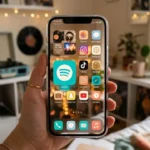
Spotify Icon Aesthetic For iPhone on iOS 14
Popular Aesthetic Styles for WhatsApp
If you are looking for inspiration, here are the top trending styles for 2026:
- Minimalist White/Black: Perfect for a “Clean Girl” or “Tech Minimalist” setup.
- Soft Pastel: Uses mint green, lavender, and peach tones for a soothing vibe.
- Glassmorphism: Adds a frosted glass effect that looks stunning on high-resolution OLED screens.
- Retro/Pixel Art: For those who love a nostalgic, 8-bit gaming aesthetic.
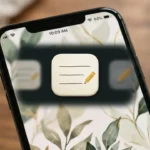
Notes Icon Aesthetic For iPhone On iOS 14
How to Apply Your New Icons (Shortcuts Method)
To use a custom image for your WhatsApp icon, follow these simple steps:
- Open the Shortcuts app and tap the + icon.
- Select Add Action and search for Open App.
- Choose WhatsApp as the app to open.
- Tap the share icon (or the name at the top) and select Add to Home Screen.
- Tap the icon preview and choose Photo to upload your aesthetic WhatsApp icon.
- Rename it and tap Add.
Aesthetic WhatsApp Icon for iPhone in iOS 18
— Considering Apple (@consider_apple) April 10, 2026
One of the most popular ways to personalize your device is by using Aesthetic WhatsApp Icons.https://t.co/1JIxXnUrIW
Download Best Neon App Icons for iOS 14 Home Screen
Aesthetic WhatsApp Icons
Premium Pack for iOS 18 Home Screen