



White Dot On Screen Iphone: White Dot on Your iPhone Screen? Here’s What It Actually Means and How to Fix It
→ Fix iPhone Not Connecting to Wi-Fi
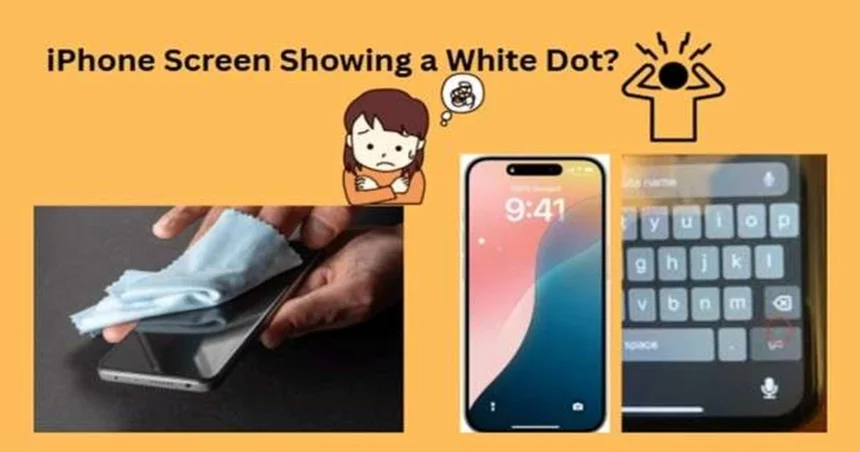
You unlock your iPhone and there it is: a small white dot sitting on the display like it owns the place. It wasn’t there yesterday, you didn’t change anything, and now you can’t stop staring at it. Before you assume the worst, take a breath. This is a surprisingly common issue, and in most cases it has a straightforward fix.
→ How to Fix WhatsApp Notifications Not Working on iPhone
That said, not every white dot is the same. Some are software features you accidentally switched on. Others are signs of physical damage that need more attention. Knowing which one you’re dealing with changes everything about how you respond.
The Most Common Culprit Most People Miss
The single most frequent cause of a white dot on an iPhone screen is AssistiveTouch. This is an Apple accessibility feature designed to help users who have difficulty with physical buttons, and when it’s active, it places a small floating white button on your screen at all times.
It’s easier to turn on accidentally than you’d think, especially if someone else has used your phone or if you were exploring accessibility settings without realizing what each toggle does.
To check if this is the cause, go to Settings, then Accessibility, then Touch, and look for AssistiveTouch. If it’s switched on, toggle it off. If the dot disappears immediately, that’s your answer and you’re done.
When the Dot Is Something Else
If turning off AssistiveTouch did nothing, the white dot is likely a display issue rather than a software setting. A few different hardware problems can produce this symptom.
Screen burn-in is one possibility, particularly on older iPhones or devices that have been used heavily over several years. This happens when certain pixels are overworked and begin to display a persistent glow or mark. Burn-in tends to show up as a faint, static image or spot that doesn’t move when you scroll.
Pressure damage is another common cause, especially on phones that have been dropped, sat on, or had something pressing against the screen for an extended period. The pressure disrupts the liquid crystal layer beneath the glass, creating a white or bright spot that looks almost like a water stain trapped inside the display.
A poorly fitted screen replacement can also be the cause. If your iPhone has had its screen replaced by a third-party repair shop, there’s a chance the panel wasn’t seated correctly or the connectors weren’t fully secured. This can create pressure points that show up as white spots.
Steps to Try Before Heading to a Repair Shop
If the dot appears to be a display issue rather than an accessibility feature, work through these steps before assuming the worst.
- – Restart your iPhone. A full power-off and restart clears temporary software glitches that can sometimes affect how the display renders.
- – Update iOS. Go to Settings, General, and Software Update. Apple occasionally pushes fixes for display-related bugs, and running an outdated version can sometimes cause visual anomalies.
- – Check for physical damage. Look closely at the area around the dot. If the glass is cracked or the screen is slightly raised at any edge, that’s a sign of physical damage that no software fix will resolve.
- – Test in a dark room. View the dot against a completely black screen. If it glows or appears bright white even on a solid black background, the pixels in that area are likely stuck or damaged.
What to Do If Nothing Works
A white dot caused by hardware damage isn’t something you can fix at home. If the steps above haven’t resolved it, the next move is to contact Apple Support or book an appointment at an Apple Store or Apple Authorized Service Provider.
If your iPhone is still under warranty or covered by AppleCare+, display issues caused by manufacturing defects may be repaired at no cost. Physical damage from drops or pressure is typically treated differently and may come with a service fee.
Before your appointment, back up your iPhone through iCloud or your computer. Any screen-level repair or replacement involves some risk to the device, and having a fresh backup means your data is safe regardless of what happens.
The Takeaway
A white dot on your iPhone screen sounds alarming, but it usually falls into one of two categories: an accessibility feature you didn’t know was on, or a display problem that a repair can fix. Start with AssistiveTouch, work through the basic troubleshooting steps, and if the dot is still there, get it looked at by someone qualified. The longer pressure damage or a hardware issue sits unaddressed, the more it tends to spread.
Relevant posts
- iPhone Journaling Discoverable : What Is It and How to Disable It?
- How to Clean iPhone Charging Port Without a Toothpick
- How to Jailbreak with ios Dopamine Jailbreak
Visit consideringapple.com for more stories.