



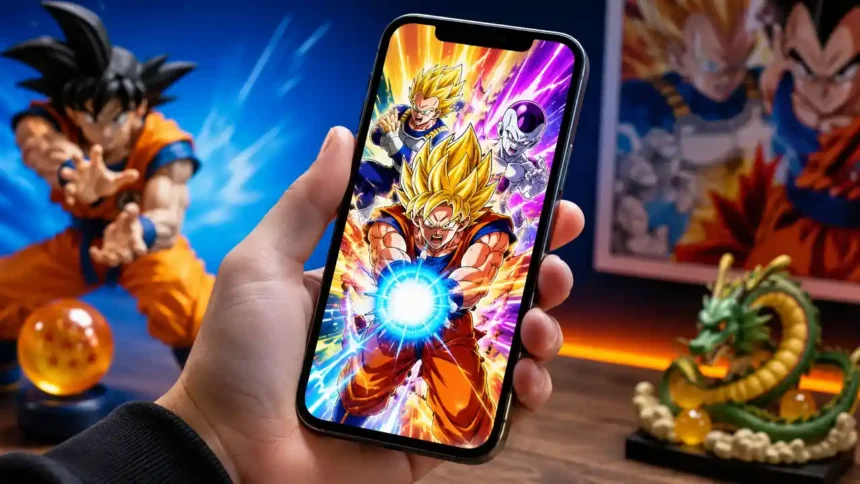
Many players prefer to play on JP for this reason. However, downloading JP Dokkan Battle on an iOS device like an iPhone or iPad requires some extra steps.
JP Dokkan Battle is one of the most popular Dragon Ball mobile games available. The Japanese version (JP) of the game tends to get new content and updates earlier than the global version.
How to Turn Off Check in on iPhone
Here’s everything you need to know to get JP Dokkan Battle installed on your iOS device.
Requirements
Before you can download JP Dokkan Battle on iOS, there are a few requirements:
- An iOS device (iPhone, iPad) running iOS 10 or later
- An Apple ID set to Japan as the iTunes/App Store country
- Access to the Japanese App Store on your device
Setting your Apple ID country to Japan is crucial, as it allows you to access the JP Dokkan version of apps and games from the Japanese App Store.
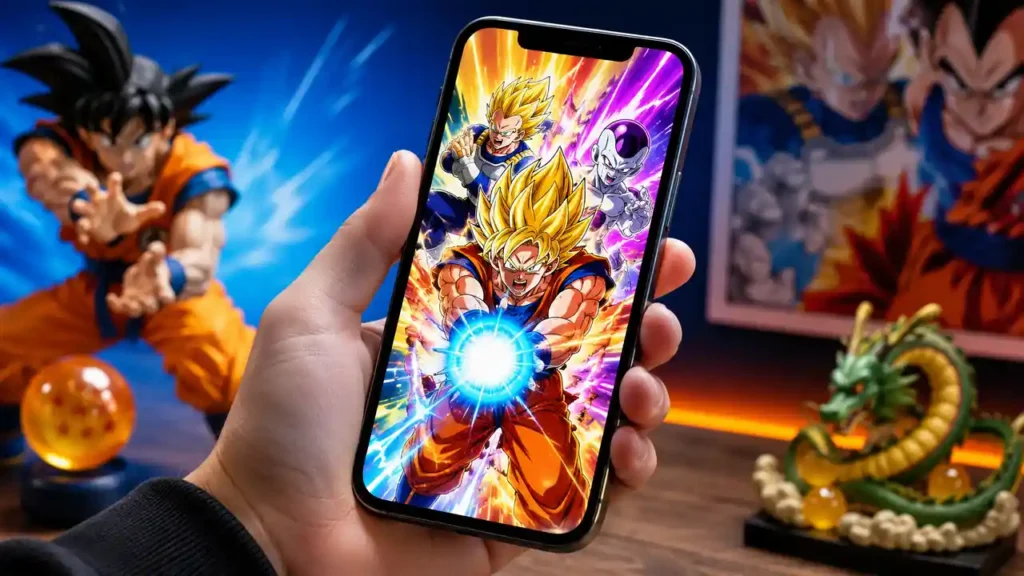
Create a Japanese Apple ID
If your current Apple ID is not set to Japan, you will need to create a new Japanese Apple ID:
- Go to appleid.apple.com and click “Create Your Apple ID”
- Follow the prompts to create a new Apple ID
- Enter Japan as your country/region
- Use a real Japanese address (you can find some online)
- Use a different email than your usual Apple ID
- No payment method is required!
How to Turn Off Check in on iPhone
Once you have successfully created your Japanese Apple ID, you can use it to access the Japanese App Store and download JP Dokkan Battle.
Download JP Dokkan Battle
Here are the steps to download Dokkan Battle’s Japanese version on your iOS device:
- On your iPhone/iPad, open the App Store app
- Tap on your profile icon in the top right corner
- Sign out of your current Apple ID if needed
- Sign in using your new Japanese Apple ID credentials
- The App Store will switch to the Japanese store
- Search for “ドッカンバトル” or “Dokkan Battle”
- Tap on the Dokkan Battle app
- Tap the blue “Get” button to download JP Dokkan Battle
The game will now download and install just like any other app. Keep in mind the game interface and text will be completely in Japanese. This is the authentic JP version of the game.
New Security Feature in iOS 17.3
Maintain Both Versions
If you want to keep both the global and JP versions of Dokkan Battle on your iOS device, it is possible by switching between Apple IDs:
- When you want to play global – sign in with your regular Apple ID
- When you want to play JP – sign in with your new Japanese Apple ID
This allows you to keep both versions installed and easily switch between them. Make sure to use the appropriate Apple ID when updating each version of the game too.
How to Download Delta on iOS and How to Use It
Things to Remember:
Here are some important tips to be aware of:
- Creating a Japanese Apple ID requires a real Japanese address. You can find some online to use.
- You don’t need to enter any payment info on the new Japanese account.
- Using a different email for the JP account prevents clashes with your existing Apple ID.
- Apps downloaded on one Apple ID will not show up on the other Apple ID.
- You have to sign in with the appropriate Apple ID to update apps downloaded under each ID.
Many players prefer to play on JP for this reason. However, downloading JP Dokkan Battle on an iOS device like an iPhone or iPad requires some extra stepshttps://t.co/MVo8IA9l31@dokkan_global @dragonballgames @BandaiNamcoUS @AppStore @iphonegaming
— Considering Apple (@consider_apple) July 2, 2026
With a new Japanese Apple ID configured, you can access the JP version of Dokkan Battle and enjoy all the latest updates that come out for it.