




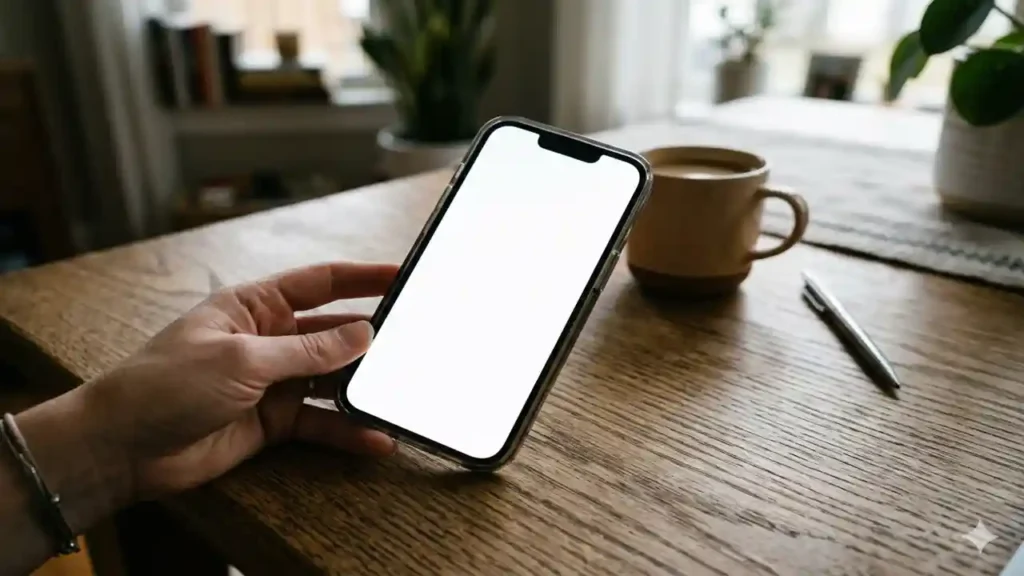
If you have picked up your iPhone only to find it frozen on a blank, white screen iOS users have dubbed the “White Screen of Death,” you aren’t alone. Our team has observed a spike in reports regarding this persistent display glitch across recent software updates, causing significant frustration for the Apple community.
Key Takeaways
- Root Causes: Most incidents stem from interrupted software updates or minor system conflicts rather than permanent hardware failure.
- Immediate Fix: A forced restart is the first, most effective step to regain control of an unresponsive device.
- Advanced Solutions: If simple restarts fail, recovery mode or specialized system repair tools are often required to restore functionality without data loss.
iPhone 18 Pro Leaks: The Ultimate Feature Breakdown
The White Screen iOS Is Affecting Your Devicehttps://t.co/cutQcSXqwl
— Considering Apple (@consider_apple) May 19, 2026
Is your iPhone really broken?
white screen ios insiders are noting that while a blank display is alarming, it rarely signals the end of your device. If you’ve been following the Apple ecosystem, you know that software-driven bugs frequently appear following major version releases.
Our analysis suggests that this issue often arises when the operating system struggles to initialize the display driver during boot or after a background process crashes. While it might look like a hardware catastrophe, the display is usually perfectly fine; the software just isn’t telling it what to show.
For those keeping track of the latest developments, we recommend reviewing our latest insights into Apple’s recent software deployment strategies to understand why these stability issues occur.
iPhone 16 Plus Case Defines Your Pro Experience
How to resolve the display freeze
If you find yourself stuck, follow these steps in order. These methods are designed to jumpstart the device’s interface without compromising your personal files.
| Method | Best For | Risk Level |
| Force Restart | Minor system hangs | None |
| Recovery Mode | Persistent boot loops | Low (requires backup) |
| System Repair Tools | Complex software corruption | Low (typically data-safe) |
| Hardware Repair | Physical damage/Screen failure | High (professional needed) |
Step-by-Step Recovery
- Perform a Force Restart: Press and quickly release the Volume Up button. Press and quickly release the Volume Down button. Press and hold the Side button until the Apple logo appears on the screen.
- Check for Accessibility Glitches: Sometimes, the screen zoom feature gets stuck. Try double-tapping the screen with three fingers to see if it zooms out to your home screen.
- Enter Recovery Mode: If the restart doesn’t work, connect your iPhone to a computer. Open iTunes or Finder and repeat the button sequence from Step 1, but keep holding the side button until the “Connect to Computer” icon appears.
- Use Official Support: If the white screen ios persists after a restore, it is time to contact Apple Support to rule out physical damage to the display connector or logic board.
iPhone 15 Pro Max case Demand is Surging
Why this matters for the ecosystem
The frequency of these reports in 2026 suggests that white screen ios current firmware architecture is under significant stress due to the complexity of new features. We have seen similar trends in past performance optimization updates, where developers trade stability for feature density.
How to Delete Stickers on iPhone
If you are currently experiencing these white screen ios, stay patient. Software patches often follow these reports closely, addressing the underlying drivers and kernel conflicts that cause the display to hang. For more tips on maintaining device health, check out our full guide on long-term iPhone sustainability.